Fix Missed Discounts in Under a Minute for League Registration, Organizers & Players
Fix Missed Discounts in Under a Minute for League Registration, Organizers & Players

Enter your discount code in the “Discount Code” or “Coupon Code” box on the registration Details step, before you reach payment. Get valid codes from your league organizer’s emails, the official program page, your team admin or coach, or partner promotions tied to the league. Apply the code, confirm the adjusted total in the order summary, then pay. Most codes carry start and end dates and a limited number of uses.
TL;DR:
- Most discount codes are limited by start and end dates, usage caps, and per-user limits, which can restrict their application if not configured carefully.
- Incorrect code entry, expired codes, or exceeding usage limits are the most common reasons for redemption failures, but these issues are easy to fix with quick checks.
- Setting the discount scope properly—such as applying only to registration fees—is crucial to avoid unintended discounts on uniforms or late fees.
- Discount types like percentage or flat amounts affect revenue differently, especially when tiered pricing or multiple programs are involved.
- Organizers should test codes before launch, communicate clearly, and monitor redemptions regularly to prevent and resolve discount-related issues seamlessly.
Table of Contents
- Step-by-Step: How to Enter and Confirm a Discount Code
- How Organizers Create, Scope, and Distribute Discount Codes
- Percentage, Flat, and Auto-Adjusted Discounts Explained
- Why Discount Code Redemptions Fail (and How to Fix Them)
- Best Practices Checklist for Organizers and Registrants
- How an Integrated Registration Platform Handles Discounts
- Three Quick Tips From a League Manager’s Playbook
- Flex League Plus: One Practical Path for Handling League Discounts
- Support Docs and Helpful Links
- Sources
Step-by-Step: How to Enter and Confirm a Discount Code
Registering for a pickleball league or any team sport usually follows a similar checkout flow, and discount codes fit into one specific spot in that flow. Miss it, and you’ll likely pay full price with no way to fix it after the fact.
- Find the discount code box on the Details step. This field almost always sits before the payment screen, not on it. If you’ve already moved past the Details step and don’t see a code field, stop and go back rather than continuing to checkout.
- Type the code exactly as given. Some platforms treat codes as case-sensitive, so “SPRING25” and “spring25” might not behave the same way. Press “Apply” and wait for confirmation before moving on.
- Check your order summary. Look for a discount line item and a reduced total, then finish payment only after you see that adjustment reflected.
A few platform quirks worth knowing:
- Coupon field placement varies. Some registration systems put it above payment info, others tuck it into a collapsed “Have a code?” link.
- Certain programs auto-apply a code when you click a special registration link, skipping manual entry entirely.
- If a program uses tiered fees like early bird pricing, the discount field may interact with time-based pricing rather than replacing it.
How Organizers Create, Scope, and Distribute Discount Codes
Setting up a coupon usually starts in an admin console under something like Manage Coupons, then New. From there, you’re filling in a handful of required fields: an internal name for your own records, the public code players will type in, the discount amount or percentage, which fees it applies to, and the program it’s tied to. Skipping the applies-to step is the most common setup mistake, since a code scoped to “all fees” instead of just registration can accidentally discount uniforms or late fees too.
Administrator documentation for platforms like LeagueOne walks through these exact fields, and the same logic applies across most league software: name it, price it, scope it, date it.
Dates and limits matter just as much as the discount itself:
- Set a start date and end date so the code doesn’t linger active after your promotion ends.
- Add a total redemption cap if you’re only offering, say, 50 discounted spots.
- Consider a per-user limit to stop one registrant from applying the code to five separate sign-ups.
Watch for one detail that trips up a lot of organizers: some systems count each registrant in a single transaction as a separate redemption. Register three kids under one parent account with one code, and that can burn three redemptions instead of one.
Applies-to categories commonly include the base registration fee, late fees, uniform fees, and miscellaneous add-ons. Choose only what you actually intend to discount.
Pro Tip: Email the code to your list, post it on the program landing page, and hand team admins a copy with exact redemption instructions and the expiration date. Redundant distribution beats a single announcement that gets buried in someone’s inbox.
Percentage, Flat, and Auto-Adjusted Discounts Explained
Not all discount codes behave the same way, and the type you choose changes both the player experience and your revenue math.
- Percentage discounts scale with the fee, so 15% off a $60 league costs you $9 per registrant, while 15% off a $120 league costs $18. These work well for tiered pricing across multiple divisions.
- Flat amount discounts take a set dollar figure off regardless of fee size, which makes budgeting predictable if you’re running a single flat-fee league.
- Universal codes work across any program you run, while program-specific codes only apply to one league or division.
- Auto-adjustments apply automatically when conditions are met, like a sibling discount or scholarship, without the player entering anything. TeamSnap’s documentation covers these fee-adjustment types in detail.
Stacking rules deserve attention too. Most platforms only allow one code per transaction by default, though some support combining a universal discount with a program-specific one. Whatever you choose, document it clearly, since players assume codes stack unless told otherwise.
Every discount reduces the invoice total before it reaches your payment processor, which means your Stripe reconciliation report will show net receipts lower than gross registration fees. Budgeting around that gap, not around list price, keeps your season finances accurate.
Why Discount Code Redemptions Fail (and How to Fix Them)
Most redemption problems come down to a handful of repeat offenders, and nearly all of them are fixable in under a minute.
- Wrong code entered. Retype it carefully, watching for zeros versus the letter O, missing hyphens, or a stray space copied from an email.
- Expired or not yet active. Check the code’s start and end dates. If a registrant reaches out after a deadline, organizers can extend or reissue a new code at their discretion.
- Usage limit hit. Admins can check redemption counts in the coupon dashboard to confirm whether a cap has been reached or the code was restricted to a different program.
- Skipped the field entirely. If someone reaches payment without applying a code, most systems won’t let them add one retroactively. Support documentation from LeagueApps recommends contacting the program organizer directly for a manual refund adjustment.
Pro Tip: Keep a screenshot of your confirmation page any time a discount doesn’t apply as expected. It turns a “trust me” support request into a two-minute fix.
Best Practices Checklist for Organizers and Registrants
A little discipline on both sides of the transaction prevents most discount-related headaches before they start.
For organizers:
- Test every code in a live registration flow before announcing it publicly. Catching a scoping error yourself beats hearing about it from twenty confused parents.
- Document exactly where the code field lives and publish clear start and end dates.
- Check redemption counts daily during an active promotion window so you’re not caught off guard by a cap you forgot you set.
For registrants:
- Confirm the discount shows on your order summary before you submit payment.
- Save your confirmation email or take a screenshot in case a dispute comes up later.
- Contact the organizer promptly with proof if something looks off.
Testing codes in a staging flow before launch is one of the more overlooked safeguards here. It’s a five-minute check that prevents an entire batch of registrants from missing a discount they were promised. On the accounting side, reconcile every discounted transaction against your Stripe fee budgeting reports so net receipts and processing costs match what you expected going in.
How an Integrated Registration Platform Handles Discounts
Some integrated registration platforms support registration discounts and connect to payment processors, so organizers don’t need to use separate tools for sign-ups and coupon tracking. A typical setup path looks like this:
- Create the discount code in the admin dashboard.
- Scope it to the specific program and fee type you intend to discount.
- Set start and end dates along with any redemption limits.
- Run a test registration to confirm the code applies correctly before going live.
- Monitor redemptions and reconcile net receipts against your Stripe payment reports as the season progresses.
This mirrors the same setup logic covered earlier, just built into one system instead of split across a registration tool and a separate payment processor.
Three Quick Tips From a League Manager’s Playbook
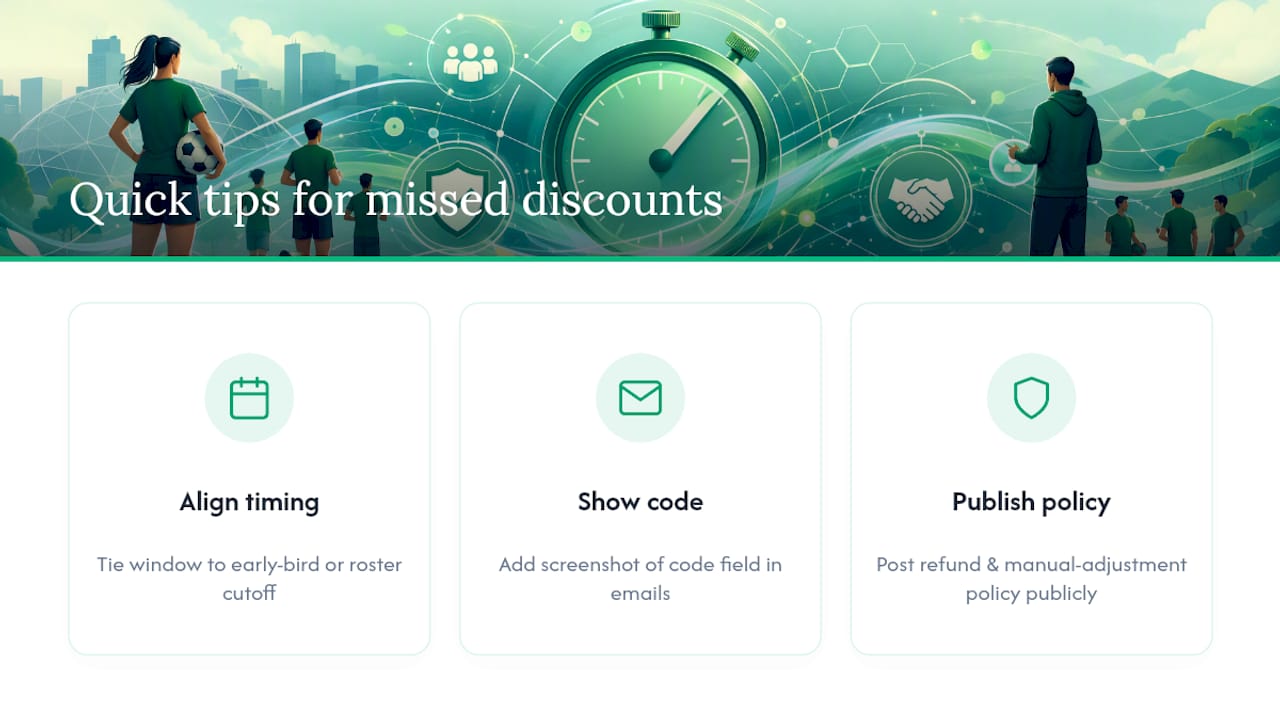
Timing makes or breaks a discount campaign. Align your discount window with early-bird deadlines or roster cutoffs so the incentive actually pushes people to register sooner instead of just giving away margin on registrations that would have happened anyway.
Over-communicate the mechanics. Include a screenshot of the code field in every organizer email, not just a line of text saying “use code SPRING25.” People skim emails, and a visual cuts down on the “where do I enter this” messages you’ll otherwise field all week.
Publish your refund and manual-adjustment policy somewhere visible before problems come up. When registrants know the rule in advance, a missed code turns into a quick fix instead of a frustrated email thread.
Flex League Plus: One Practical Path for Handling League Discounts
If you’re setting up discount codes right now, the mechanics matter less than picking a system where registration, coupon rules, and payment collection actually talk to each other. Flex League Plus handles all three in one place, so a discount you configure for a men’s doubles division applies correctly to that division’s fee, not to every fee type by accident.
Setting this up takes the same basic steps covered above: create the code, scope it to the right program and fee, set your dates and limits, and test it before your registration window opens. The platform’s pickleball league software covers registration, division management, and Stripe-powered payment collection alongside discount configuration, and DUPR integration is built in for organizers running rated competitive play. If you’re managing a city league or facility with recurring payment questions, the payments setup guide walks through fee configuration in more depth.
Review the Flex League Plus product page to see how registration and discounts fit together, or reach out to request a walkthrough of the setup process for your next season.

Support Docs and Helpful Links
For platform-specific steps, check LeagueApps’ discount redemption guide and LeagueOne’s coupon creation walkthrough. For distribution ideas, TeamSnap’s discount code guide and Flex League Plus’s email template samples cover ready-to-send announcements. Organizers running seasonal promotions might also find this event marketing checklist, which can help with planning distribution timing.
Sources
- Redeem a Discount Code – LeagueApps
- Create Coupon — LeagueOne (Active Network)
- Adding discounts codes to your registration forms — TeamSnap